Supabase, from the command line.
surp is an nvim-style terminal client for Supabase. Manage projects, databases, edge functions, storage, and auth users — all without leaving your terminal.
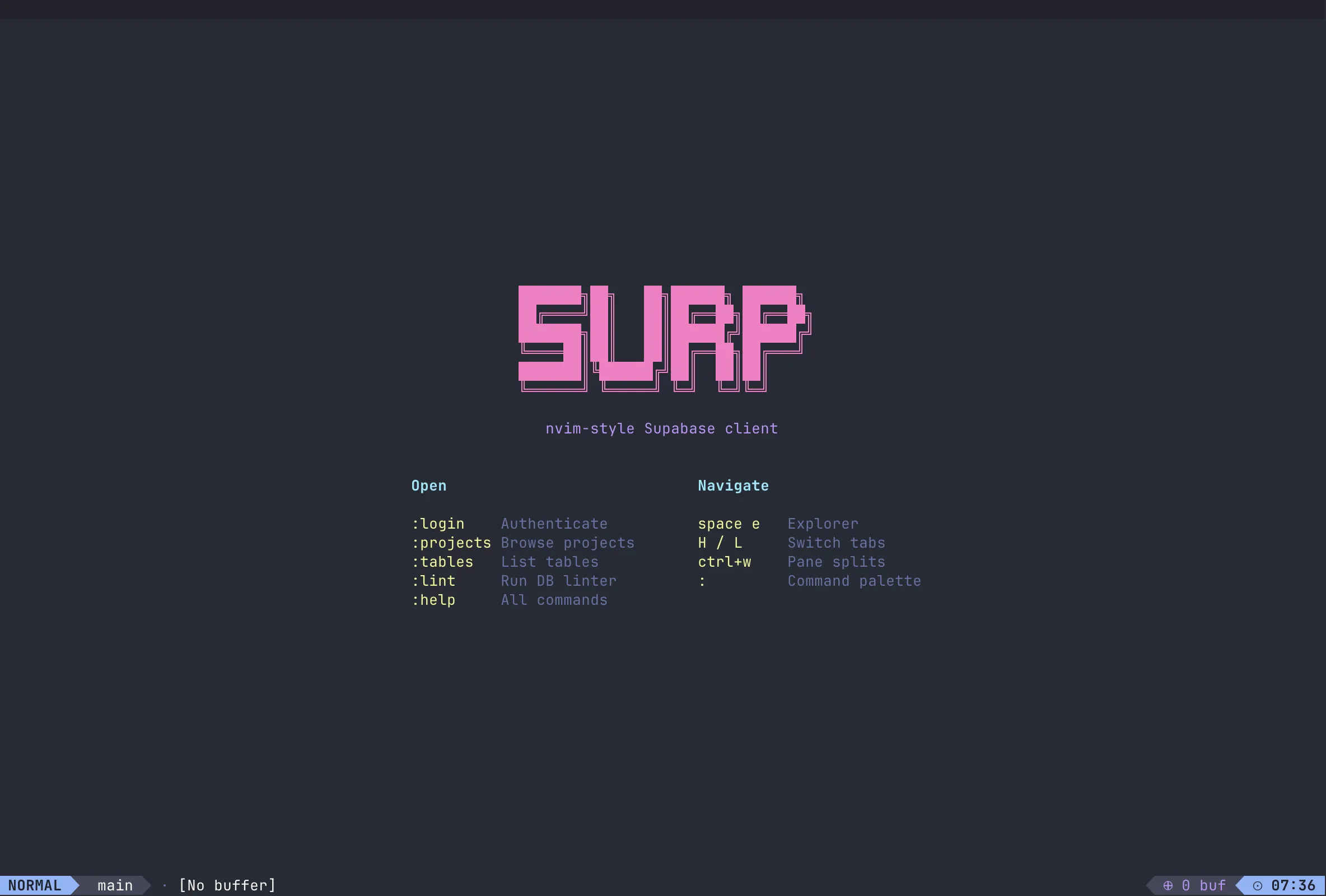
Everything Supabase, in your terminal
No browser. No GUI. Just you, your keyboard, and your Supabase projects.
nvim-style interface
Modal, keyboard-driven workflow for power users who never want to leave the terminal.
Project management
Browse, create, and link Supabase projects. Switch between environments instantly.
SQL editor
Write and execute SQL queries directly from the terminal with syntax highlighting.
Edge Functions
Deploy, invoke, and manage Supabase Edge Functions without a browser.
Storage manager
Upload, download, and organize storage buckets and objects.
Auth user management
List, create, and manage auth users. Handle invites and roles.
Install in one command
surp is distributed via npm. The package downloads the correct precompiled binary for your platform — no source build required.
- macOS (arm64 & x64)
- Linux (x64)
- Windows (x64)
# Install globally
$ npm install -g @rexadbapp/surp
# Or run without installing
$ npx @rexadbapp/surp
Commands
surp uses nvim-style command mode. Press : to enter a command.
| Command | Description |
|---|---|
| :login-backend | Sign in to your RexaDB account via email OTP |
| :logout-backend | Sign out of your RexaDB account |
| :subscribe | View plans and upgrade your subscription |
| :account | Show auth status, plan info, and version |
| :entitlement | Force-refresh subscription status |
| :update | Check for and apply updates from GitHub |
| :projects | Browse and manage your Supabase projects |
Own your Supabase workflow.
Install surp and manage every Supabase project from your terminal.